
How To: Change or Cancel your Subscription
Your Seraph Secure Premium subscription can be managed from your Seraph Secure Dashboard.
To Change (Upgrade or Downgrade) your Subscription
▶ Log on to your Dashboard at https://www.seraphsecure.com/dashboard/
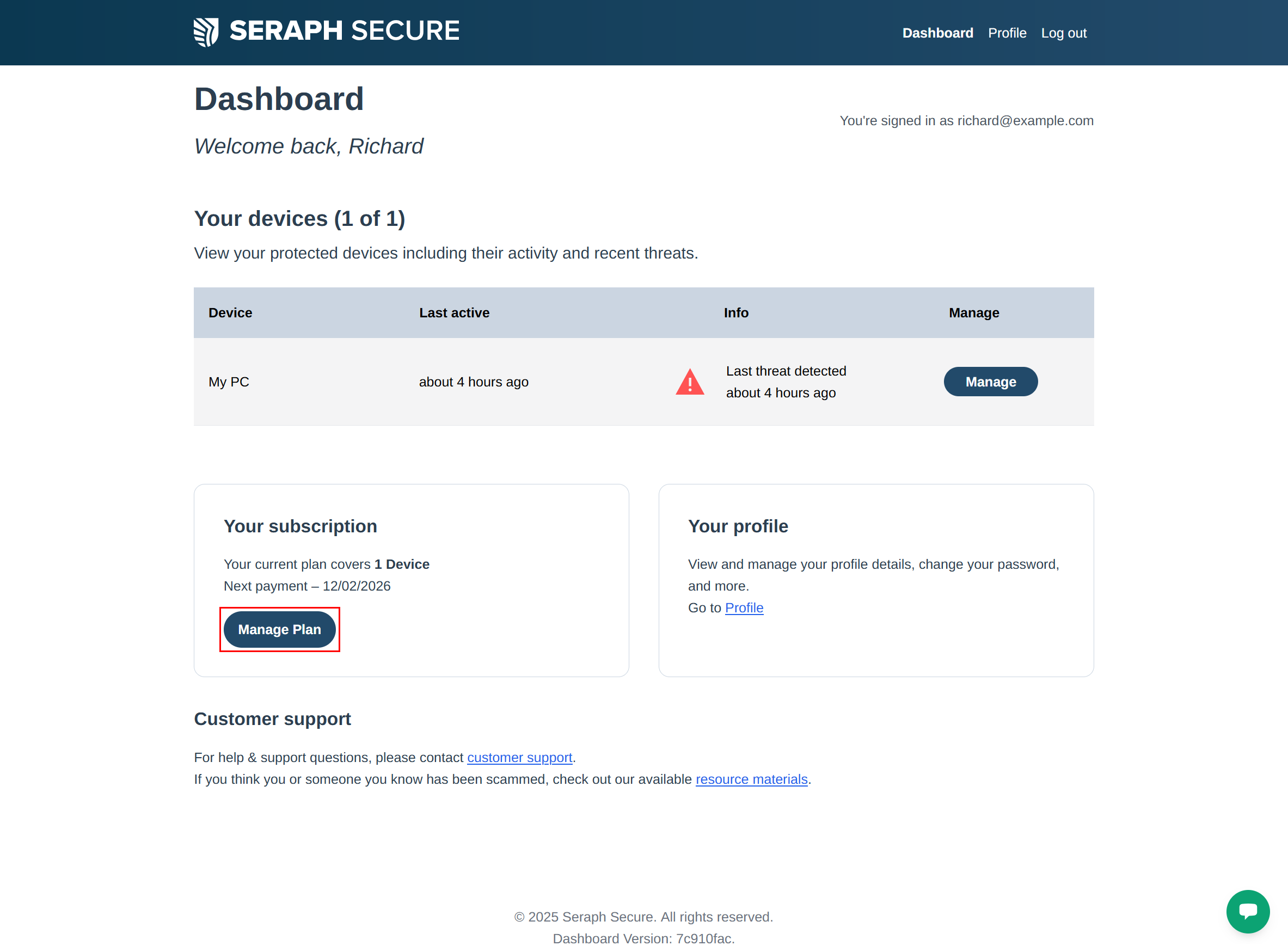
▶ Click on Manage Plan
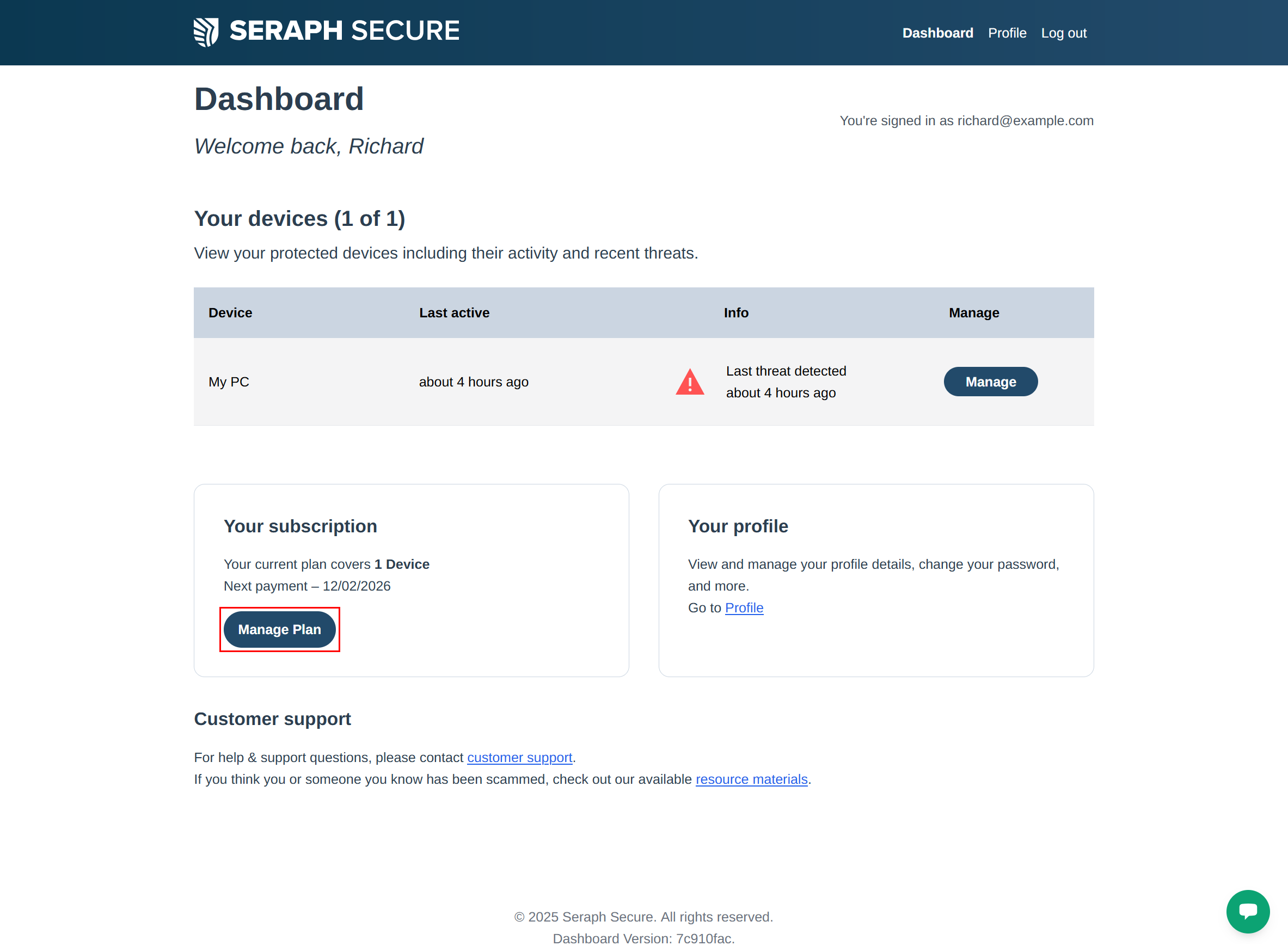
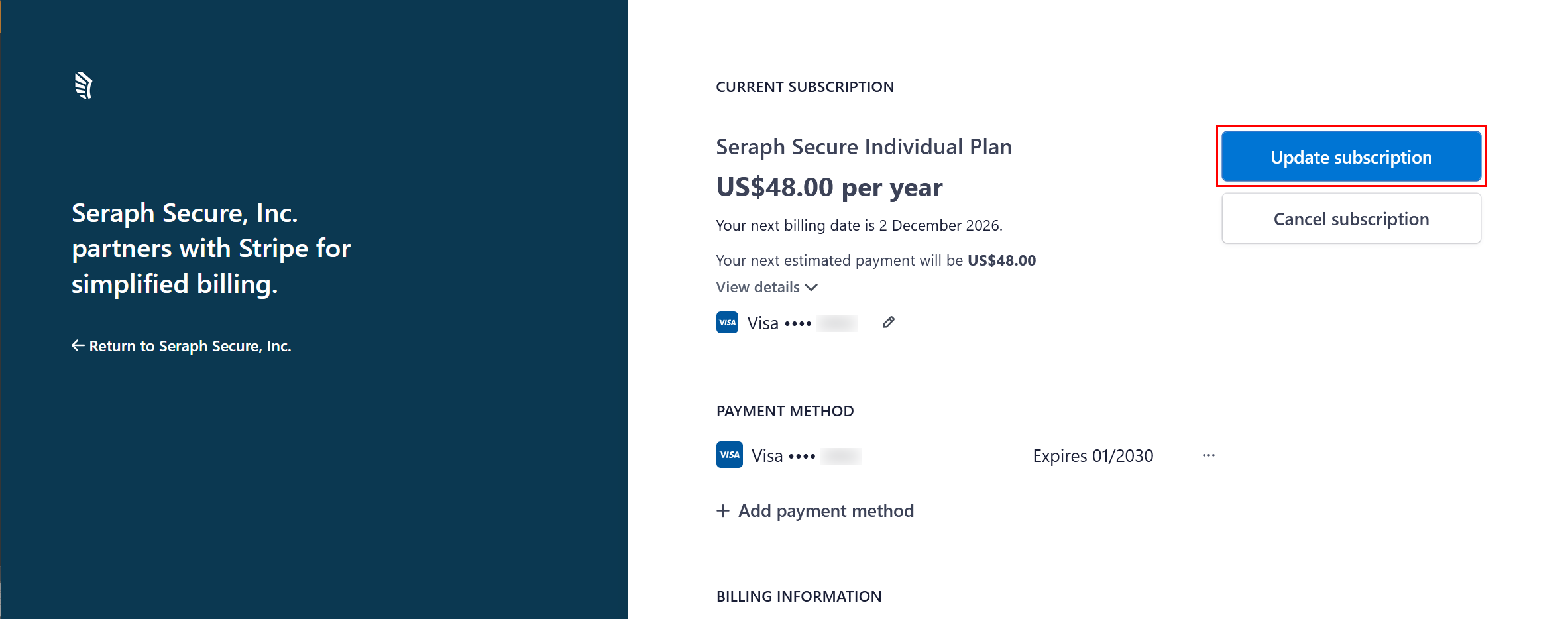
▶ Click on Update subscription
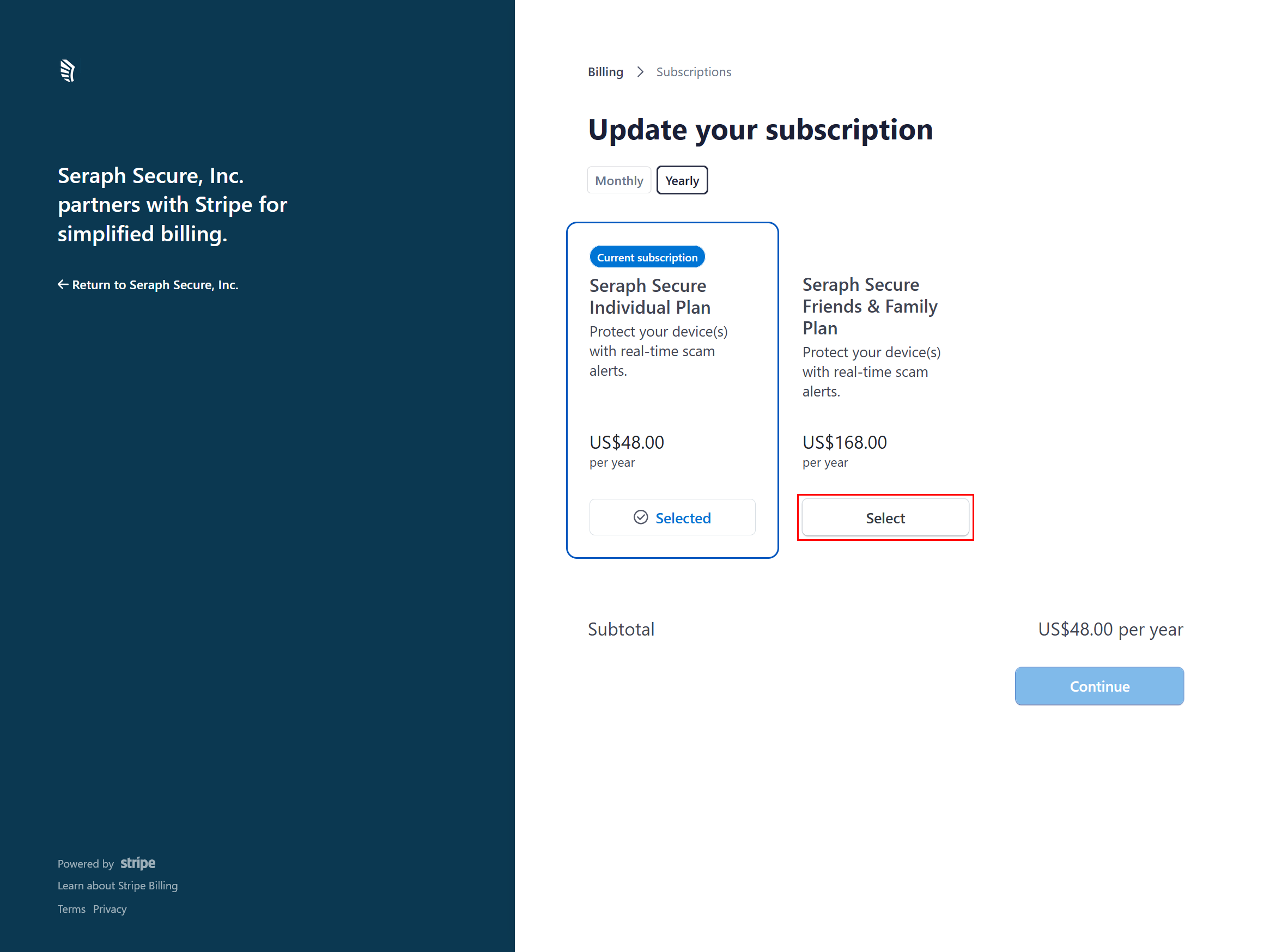
▶ Your current subscription will be highlighted. Click Select to choose your new subscription.
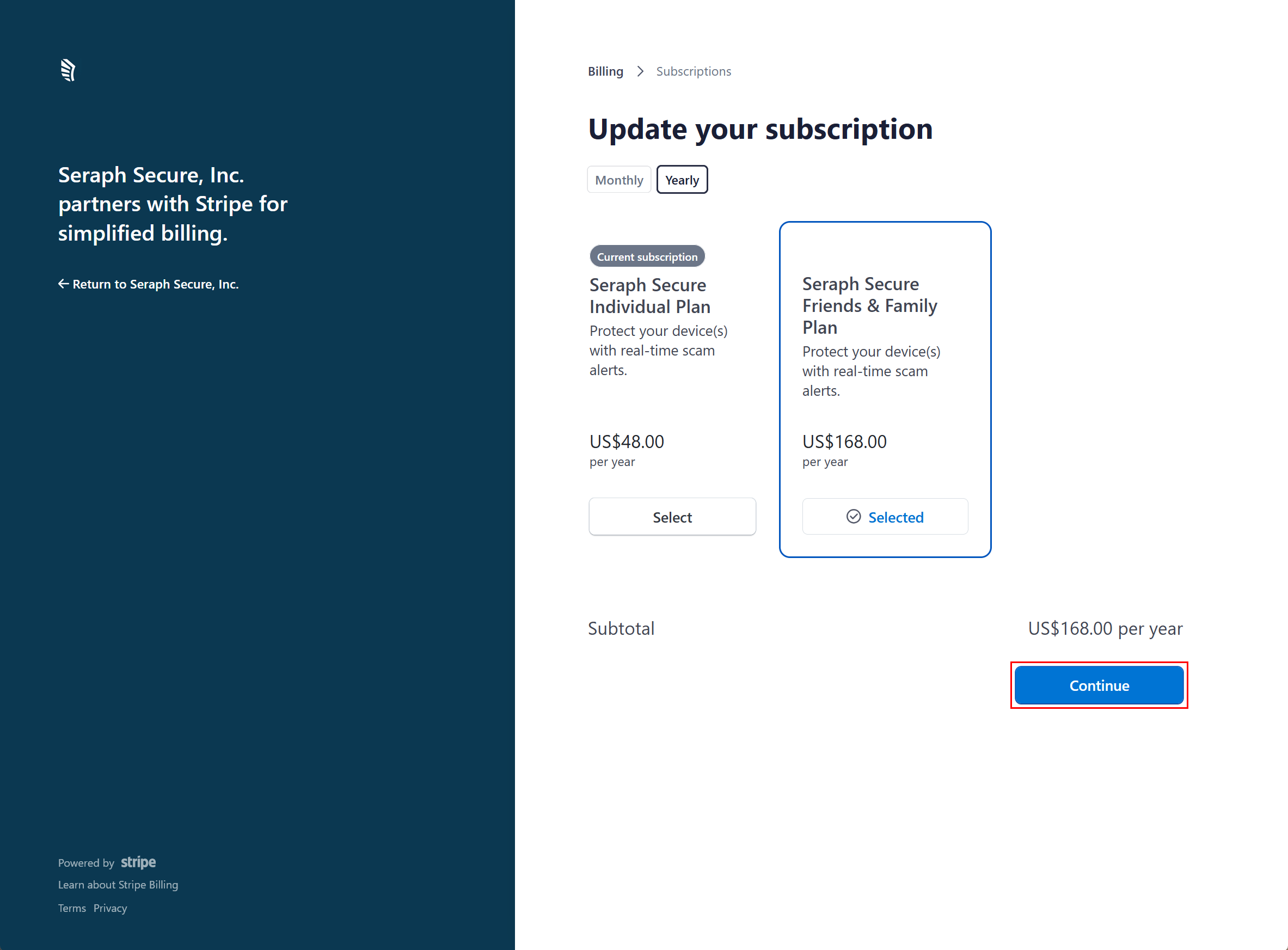
▶ Click Continue
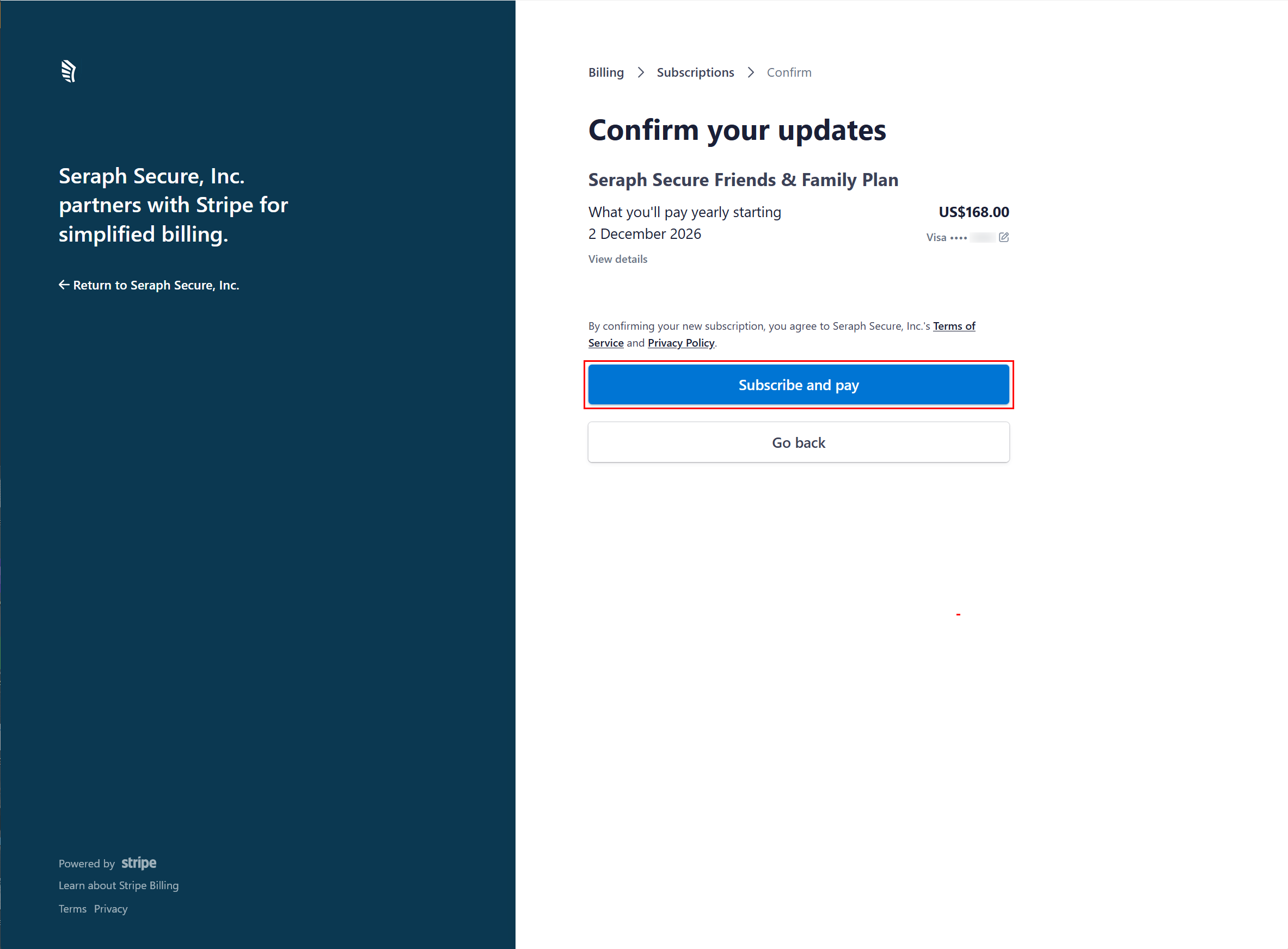
▶ On the Confirm your updates page, click Subscribe and pay
To Cancel your Subscription
▶ Log on to your Dashboard at https://www.seraphsecure.com/dashboard/
▶ Click on Manage Plan
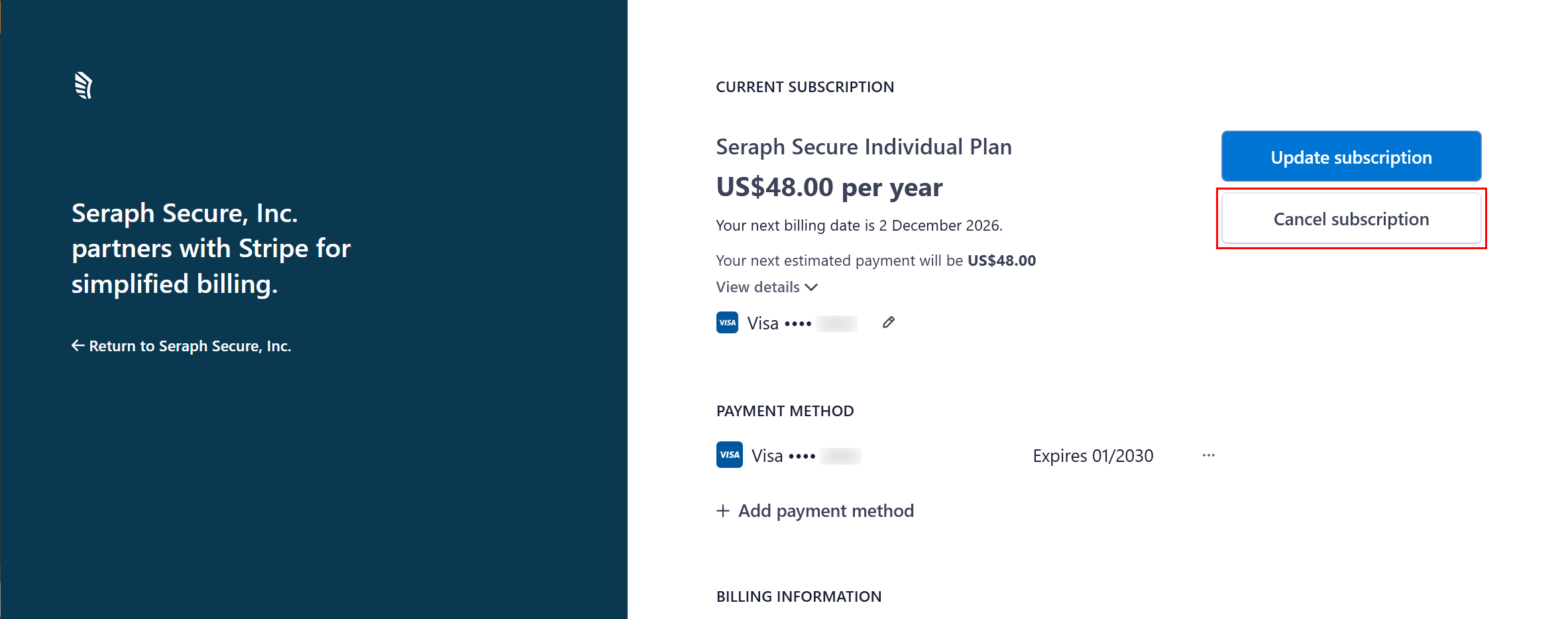
▶ Click on Cancel subscription
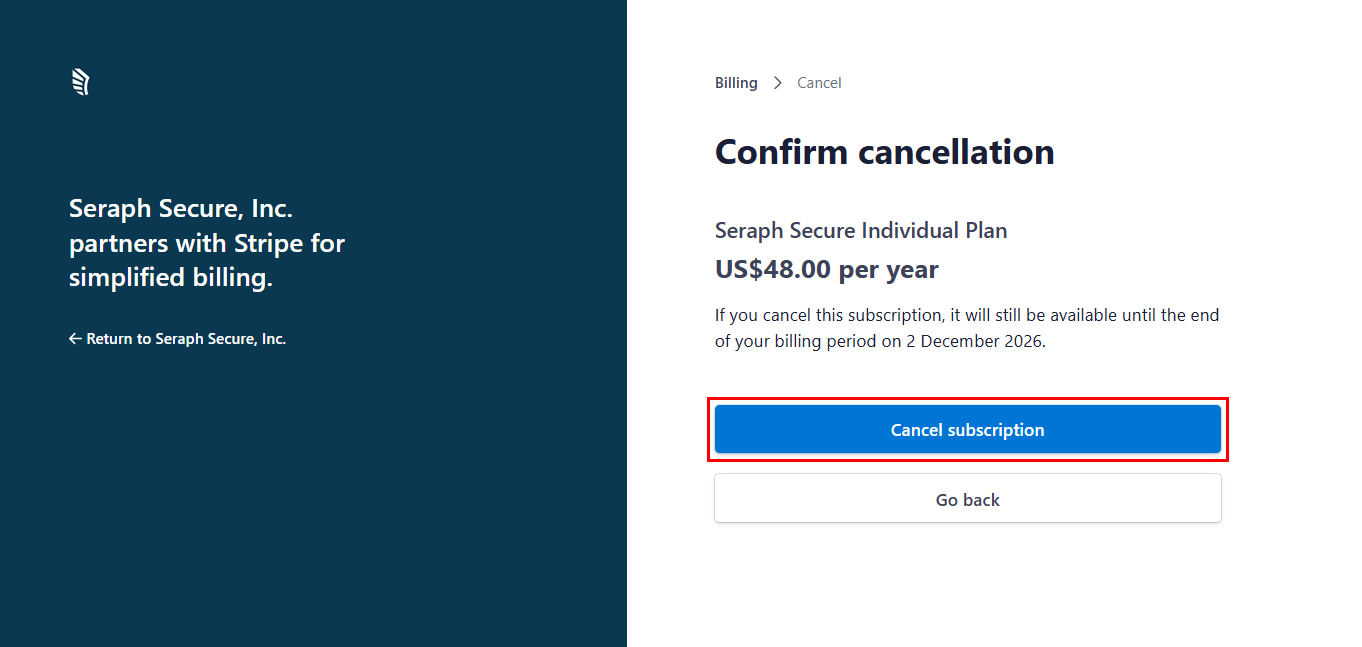
▶ On the Confirm cancellation screen, click on Cancel subscription again
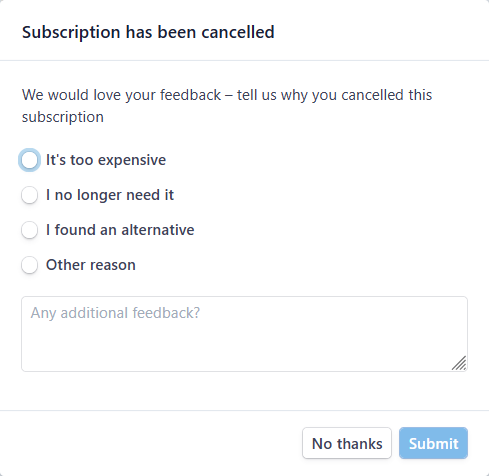
▶ (Optional) Let us known why you cancelled
Was this helpful?