
How To: Change your Password
Premium Feature
This is a Seraph Secure Premium feature. Learn more.
If you know your current password:
▶ From your Dashboard, click on Profile, then Password & Security
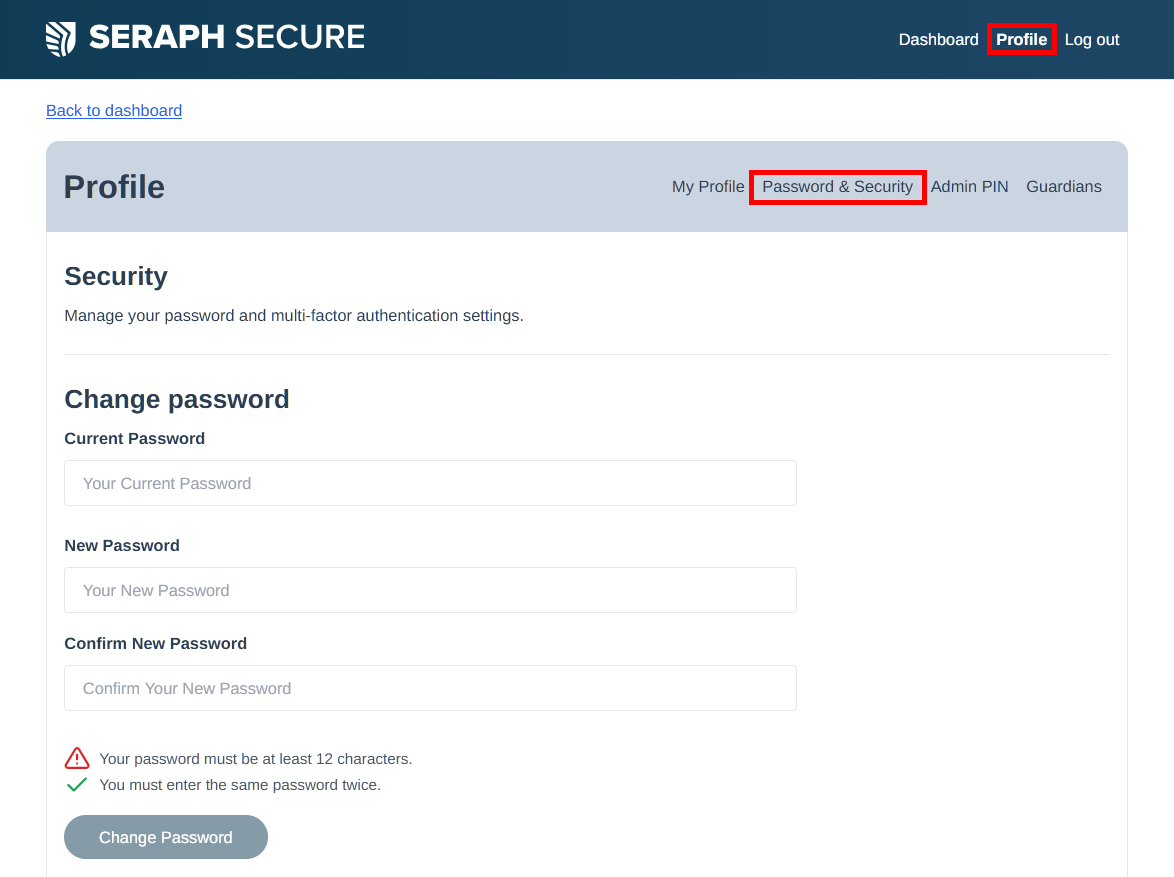
▶ Enter your current password
▶ Enter a new password
▶ Confirm the new password
▶ Click on Change Password. You should see "Your password has been updated".

If you've forgotten your password:
▶ In your web browser, go to https://www.seraphsecure.com/dashboard/forgot-password
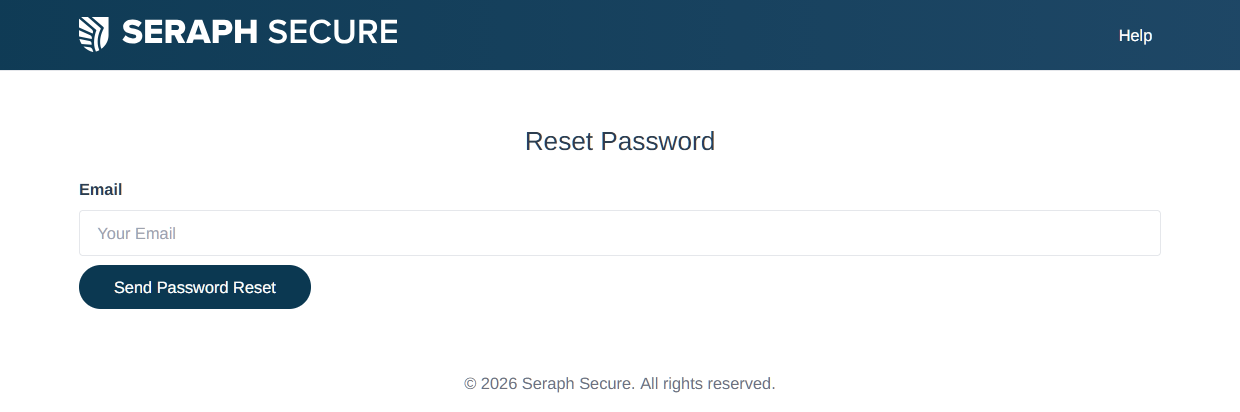
▶ On the Reset Password page, enter your email address and press Send Password Reset
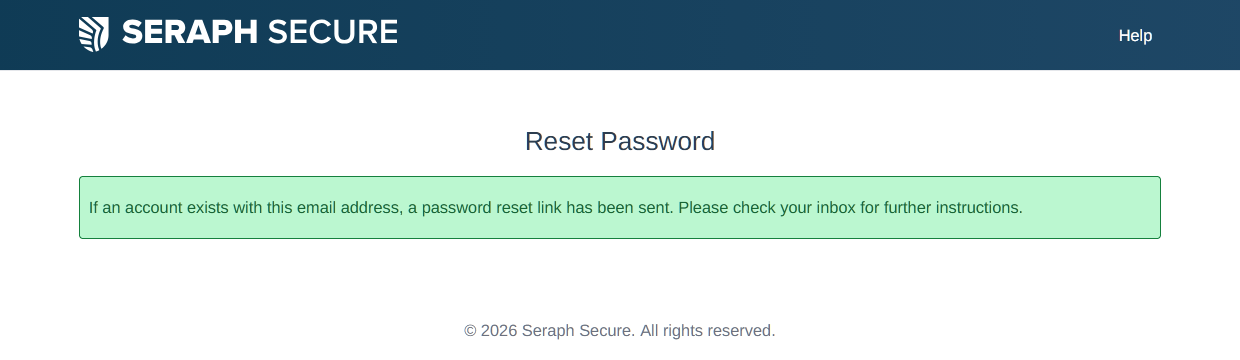
▶ Check your inbox for a "Seraph Secure: Reset Password Link" email
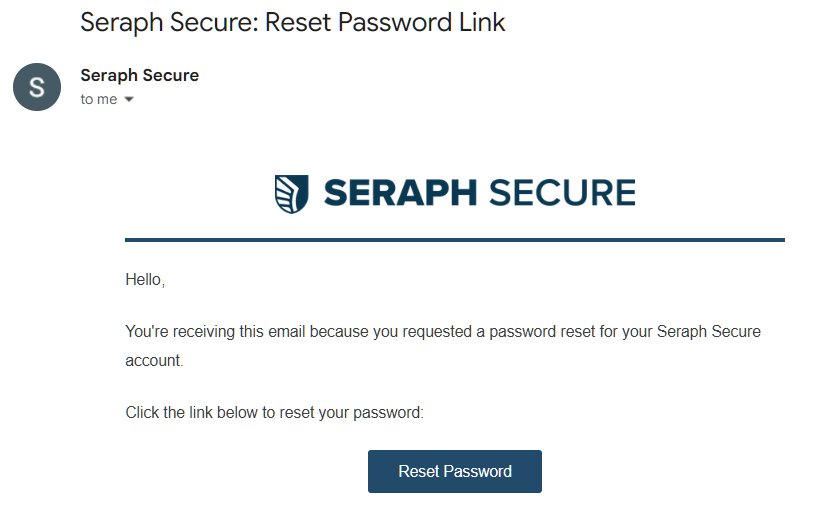
▶ Click Reset Password. You will be taken to a Reset Password page:
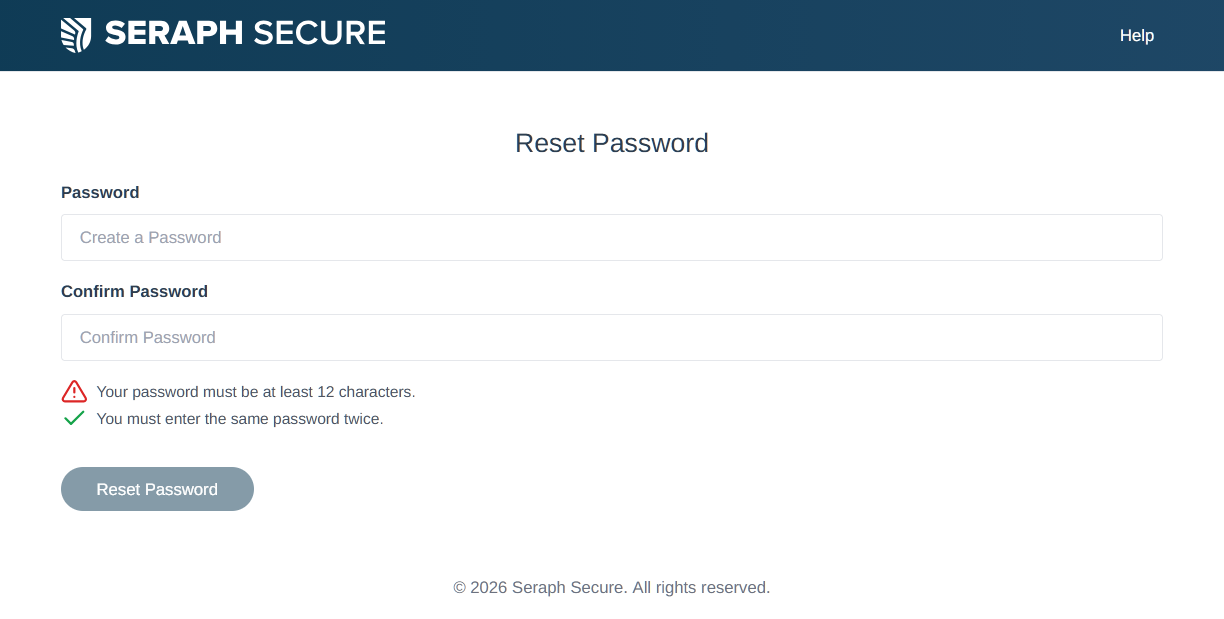
▶ Enter a new password
▶ Confirm the new password
▶ Click on Reset Password. You should see a "Your password has been reset".

You can now log on to the dashboard using your email address and new password